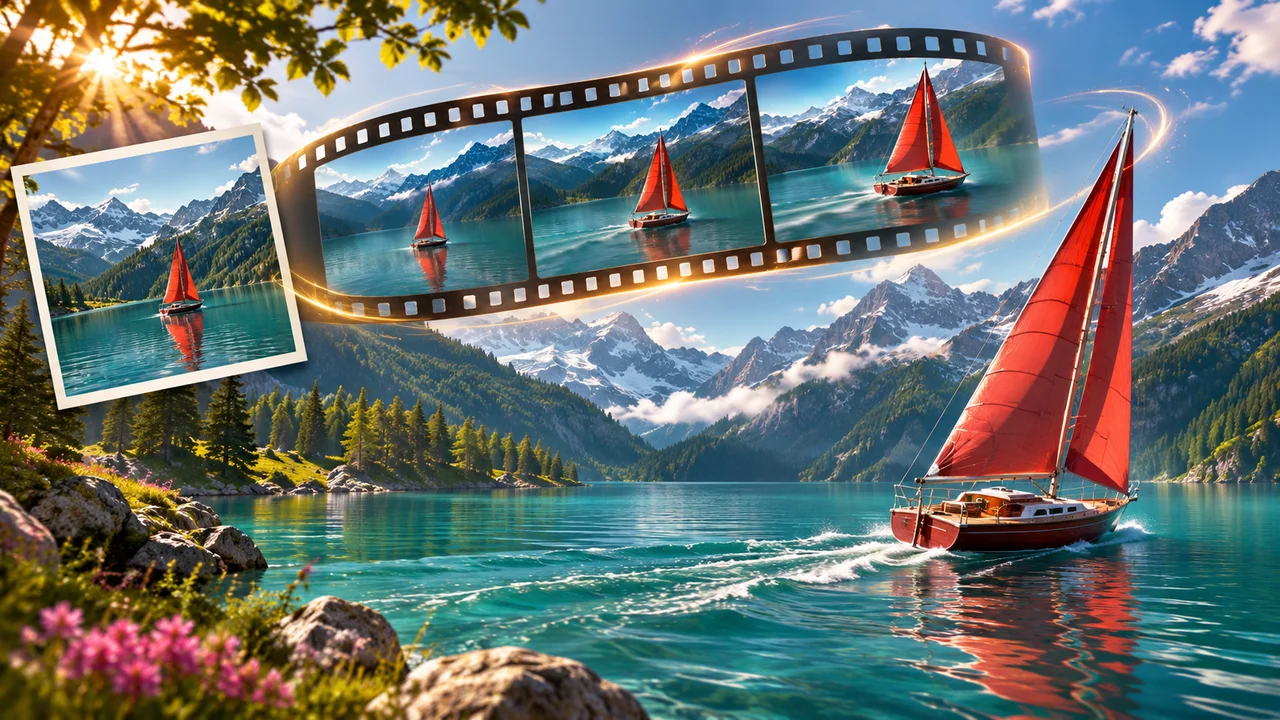
图生视频从一张静态图片开始,但提示词的重点是运动。图片已经告诉模型主体长什么样,你要负责描述的是:什么在动、镜头怎么运动、动作有多快、这一镜应该停在哪里。
Imagine AI 的 图生视频工作台 允许你上传起始帧,并从已配置的视频模型中选择。根据所选模型的不同,你还可以添加尾帧、选择时长、分辨率,以及开启音频。
选一张有力的首帧
首帧就是这段视频的视觉契约。选图时注意:
- 主体清晰;
- 构图稳定;
- 给需要的运动留出足够空间;
- 光线能让边缘清楚可见;
- 背景不会和动作抢戏。
人像、产品照、插画和风景都可以。严重模糊的图片、被边缘切掉的主体,或者过于拥挤的场景,都会让视频模型缺少判断“什么应该保持稳定”的信息。
如果你想先生成静态图,可以用 AI 图像生成器,再把结果送到图生视频流程里。
写以运动为核心的提示词
一个实用的结构是:
The camera [camera movement] as [subject action]. [environmental motion]. [speed and timing]. Keep the subject's appearance and the original composition stable.
例如:
The camera slowly pushes in as the woman turns toward the window and smiles. Curtains move gently in the morning breeze and dust particles drift through the sunlight. Natural, restrained motion over 8 seconds. Keep her face, clothing, room layout and color palette consistent.
不要用整段提示词把静态画面再描述一遍。只补充控制运动或保持主体所需的那部分视觉事实。
有用的镜头词汇
第一次尝试时,只用一个主要镜头运动:
- 固定镜头(locked-off):镜头不动,主体运动;
- 缓慢推进(slow push-in):镜头逐渐靠近;
- 拉远(pull-back):镜头展现更多场景;
- 摇镜(pan):镜头水平转动;
- 跟拍(tracking shot):镜头跟随运动中的主体;
- 环绕(orbit):镜头围绕主体运动;
- 移焦(rack focus):焦点从一个景深平面转移到另一个;
- 手持(handheld):小幅自然的镜头晃动,谨慎使用。
镜头方向要和静态图一致。如果主体已经贴近画面右缘,再让镜头快速向右运动,模型可能没有空间把这一镜继续下去。
分开描述主体运动与环境运动
如果提示词只描述镜头,视频容易显得凝固;如果让每个物体都动起来,画面又会变得混乱。把层次拆开:
- 主体:“纸飞机向前滑翔,并轻微倾斜”;
- 环境:“云影在田野上缓慢移动”;
- 镜头:“镜头在飞机侧面跟拍”;
- 时间:“运动轻柔地开始,在最后一秒到达平滑的中点。”
环境运动选一到两个就够。风、雨、烟、水、布料和光线都能增加生命力,但独立的动作太多,连贯性会变差。
使用尾帧
首帧加尾帧可以给模型一个明确的终点。它适合:
- 产品揭示;
- 两个地点之间的转场;
- 前后对比的变化;
- 无缝循环;
- 角色从一个姿势过渡到另一个姿势。
两张帧要彼此兼容。保持主体身份、透视和光线方向一致。如果首帧是特写、尾帧是大远景航拍,模型就必须凭空补出大量镜头和场景信息。
可以试试这样的提示词:
Begin with the product centered on the table in the first frame. Slowly rotate the camera to reveal the side profile and finish on the composition shown in the last frame. Keep the product shape, label and table lighting consistent. Smooth commercial product motion, no extra products or text.
模型与时长选择
模型选择器是可用时长和分辨率的唯一依据。Imagine AI 会在提交前显示预计消耗的积分,而且 Seedance 2.5、Kling 4.0、Veo 3.1、Wan 3.0 以及其他已配置模型之间的选项可能不同。
通用流程是:
- 先用短片段测试运动想法;
- 构图成立后,再切到更高分辨率;
- 当镜头包含对白、音效或音乐时,再开启音频;
- 只有动作确实需要时,才使用更长的时长;
- 第一次测试保持简单,这样你才能判断是哪条指令导致了问题。
四条可以试的提示词
让人像动起来
Locked-off camera. The subject blinks naturally, turns their head slightly toward the light and gives a small relaxed smile. Hair moves gently in the breeze. Keep facial identity, hairstyle, clothing, background and framing unchanged. Subtle realistic motion, 6 seconds.
让产品照动起来
Slow three-quarter camera orbit around the bottle as a narrow highlight moves across the glass. Keep the bottle, cap, label and table position stable. Soft studio lighting, clean luxury advertising style, no extra objects, 5 seconds.
让插画动起来
The illustrated train moves slowly through the landscape while clouds drift from left to right and small trees sway gently. Preserve the original illustration style, colors and character design. Smooth lateral camera track, no new characters, 8 seconds.
制作转场
The camera travels forward through the doorway in the first frame and arrives at the room shown in the last frame. Keep the architecture, lighting direction and color palette coherent. Smooth cinematic transition with no sudden cuts.
图生视频的常见问题
主体变了长相。 简化动作,并重复写出必须固定的特征。
镜头动得太多。 先用固定镜头或缓慢推进。基础动画成立之后,再加环绕或跟拍。
手或物体变形。 减少互相影响的物体数量,避免在一个短片段里要求多个精确动作。
片段看起来很静止。 加入一个具体的主体动作和一个环境动作,而不是重复风格形容词。
尾帧没有被遵守。 让首尾构图彼此兼容,并描述两者之间的过渡。
开始让静态图动起来
打开 ,上传清晰的首帧,选择模型,写一段以运动为核心的提示词。先用第一版结果判断运动和连贯性,再花积分去生成更长或更高分辨率的版本。
Runway 的 对运动、镜头和时间的描述方式很有参考价值。Google 的 介绍了参考图、首尾帧转场和原生音频等模型能力,可以用来设计更进阶的工作流。
