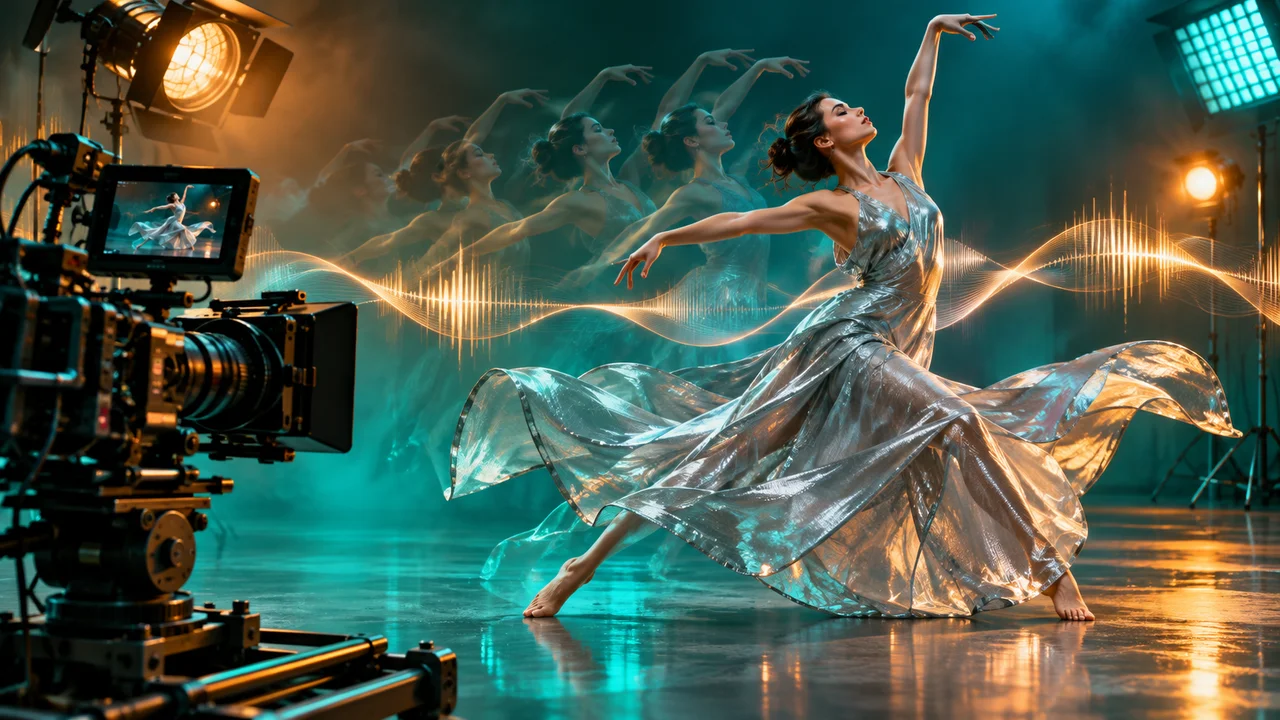
Seedance 2.5 面向的是不满足于短暂视觉变化的创作者。它可以用作文生视频、图生视频和参考图驱动的镜头,工作流同时结合主体调度、镜头运动和音频。Imagine AI 里实际显示的时长、分辨率、价格和场景支持,取决于当前启用的模型配置。
可以从 Imagine AI 里的 Seedance 2.5 开始,或者打开通用的 AI 视频生成器,在选择器里挑选模型。
Seedance 2.5 适合做什么
当你的想法有明确的镜头设计,而不是单一静态效果时,Seedance 2.5 是很强的候选。适合的项目包括:
- 电影感的文生视频场景;
- 让静态图里的产品或角色动起来;
- 有明确镜头运动规划的短广告;
- 参考图驱动的角色或产品镜头;
- 需要统一视觉方向的多镜头概念;
- 音效、对白或音乐本身就是需求一部分的片段。
它不是完整剪辑时间线的替代品。把每次生成当成一个镜头或一小段序列,需要精确的时间、字幕或法律文案时,再把通过的片段放进最终剪辑软件里组装。
从一句话镜头简报开始
写提示词之前,先写一句镜头简报:
A small electric boat crosses a misty lake at sunrise while the camera tracks from the shoreline.
再把它展开成五个部分:
- 主体:船、人、产品或环境。
- 动作:这个镜头里什么在变化。
- 镜头:运动方式、角度和揭示方式。
- 观感:光线、镜头感、色彩和美术设计。
- 音频:对白、音效、环境声或音乐方向。
一条实用的提示词可能是:
A compact red electric boat crosses a misty mountain lake at sunrise. The camera begins in a wide locked-off shoreline view, then slowly tracks right to follow the boat as it moves through the fog. Warm light breaks through the clouds and ripples spread behind the boat. Cinematic natural color, realistic water and restrained motion. Add quiet water ambience and a soft electric motor sound. No text, logos or extra boats.
这条提示词足够具体,能引导镜头,同时也给模型留出渲染自然细节的空间。
文生视频流程
1. 选择场景类型
不需要固定首图时,用文生视频,直接描述场景和动作。如果主体必须匹配已有设计,改用图生视频或参考生视频。
2. 设置时长和分辨率
先用最短的可用时长和草稿分辨率(如果有)。用一次测试生成评估运动,再为通过的镜头选择更大的输出。生成器会在提交前显示当前积分消耗。
3. 只描述一个镜头运动
从固定镜头、推进、摇镜或跟拍开始。只有故事需要时,才加入第二个镜头变化。镜头指令太多,模型会难以判断这个镜头应该优先表达什么。
4. 把音频当作独立图层
如果启用了音频,把它和视觉动作分开描述:
Audio: footsteps on a wooden floor, distant rain against the window and one quiet door hinge. No music and no spoken dialogue.
需要对白时,给出短句并标明说话者。发布前务必检查生成的语音和声音。
图生视频流程
用一张有力的静态图作为首帧,然后把提示词的重点放在运动上:
The camera makes a slow push-in as the coffee steam rises and the spoon moves slightly in the cup. Morning window light stays consistent. Keep the cup shape, label, table and composition unchanged.
不要把图片里每个可见细节都重复一遍。说明什么应该动、什么必须稳定。首帧与尾帧工作流的完整说明,见 。
参考图与一致性
当角色、产品或视觉风格需要保持可辨识时,参考图很有用。为每张参考图标注角色:
- 参考图 1:角色身份和面部。
- 参考图 2:服装和色调。
- 参考图 3:地点和美术设计。
然后描述参考图如何组合:
Keep the character from reference 1, the jacket from reference 2 and the warm studio lighting from reference 3. The character walks from left to right while the camera tracks alongside them. Preserve face, hairstyle, jacket details and proportions.
参考图数量不要超过上传控件显示的限制。图片更多不一定更好;互相冲突的参考图会让结果更不稳定。
连续镜头与延展
做更长的故事时,把每次生成当成一个有明确交接点的镜头。让第一个片段的结尾构图,为下一个镜头提供有用的起点。保持以下元素一致:
- 主体身份;
- 地点和时间;
- 相机高度和镜头感;
- 调色;
- 运动方向;
- 环境声。
如果要延展一个片段,描述从最后一刻继续发生什么,而不是把整个故事重新讲一遍。例如:
Continue from the final second. The camera keeps tracking the cyclist as the road enters a tunnel. Preserve the same rider, bicycle, weather, speed and sound of the wheels.
这比只写“继续这个视频”、然后要求一个全新场景要容易控制得多。
提示词示例
短产品广告
A premium black running shoe rests on a wet reflective track at dawn. The camera performs a slow low-angle push-in as droplets slide across the material and the sunlight appears behind the heel. Preserve the shoe silhouette, sole pattern and color. Cinematic commercial lighting, realistic reflections, 6 seconds. Audio: subtle morning ambience and one soft footstep, no voiceover, no text.
角色镜头
The same young explorer from the reference images walks through a red desert toward a distant arch. The camera tracks backward at walking speed, keeping the explorer centered while dust moves gently across the ground. Preserve face, hairstyle, clothing, backpack and proportions. Warm late-afternoon light, restrained cinematic motion, 8 seconds.
多镜头概念
Shot 1: wide view of a quiet night market as a paper lantern rises. Shot 2: camera follows the lantern upward past rooftops. Shot 3: the lantern reveals a glowing city below. Keep the same lantern design, warm color palette and gentle wind across all shots. Use clear shot transitions and no text.
常见错误
提示词只描述风格。 加上动作和镜头运动。
一个镜头里动作太多。 缩减成一个主要的主体动作加一个环境运动。
角色在不同镜头之间变了样。 使用参考图,重复固定属性,并保持服装和光线一致。
想法还没跑通,输出就已经很贵。 先用短草稿测试,再提高时长或分辨率。
音频和画面对不上。 单独描述音频,第一次尝试时让声音设计保持简单。
生成一段 Seedance 2.5 视频
打开 ,选择文生视频、图生视频或参考生视频,在写最终提示词之前先确认有哪些可用控件。Imagine AI 会在输入框里显示所选模型的时长、分辨率、音频和积分信息。
字节跳动官方的 介绍了单次音视频生成、参考控制、编辑和延展能力。公开的 可以作为社区示例参考,但其中的制作选择和结果,不应视为对每条提示词都成立。
