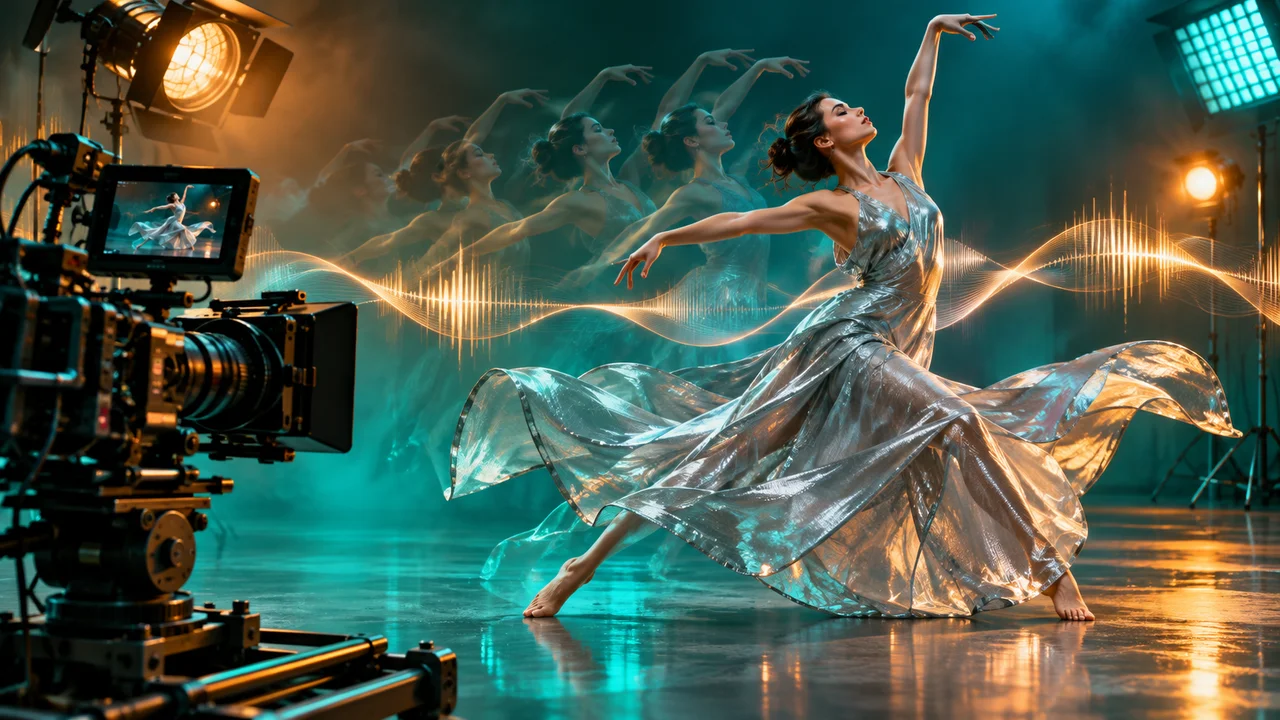
Seedance 2.5 is designed for creators who want more than a short visual transformation. It can be used for text-to-video, image-to-video and reference-driven shots, with workflows that combine subject direction, camera movement and audio. The exact duration, resolution, pricing and scene support shown in Imagine AI depend on the currently enabled model configuration.
Start from Seedance 2.5 in Imagine AI, or open the general AI video generator and choose the model from the picker.
What Seedance 2.5 is good for
Seedance 2.5 is a strong candidate when your idea has a clear shot design rather than a single static effect. Useful projects include:
- cinematic text-to-video scenes;
- animating a product or character from a still image;
- short ads with a planned camera move;
- reference-driven character or product shots;
- multi-shot concepts that need consistent visual direction;
- clips where sound effects, dialogue or music are part of the brief.
It is not a replacement for a full edit timeline. Treat each generation as a shot or a short sequence, then assemble the approved clips in your final editor when you need exact timing, captions or legal copy.
Start with a shot brief
Before writing the prompt, write a one-sentence shot brief:
A small electric boat crosses a misty lake at sunrise while the camera tracks from the shoreline.
Then expand it into five parts:
- Subject: the boat, person, product or environment.
- Action: what changes during the shot.
- Camera: the movement, angle and reveal.
- Look: lighting, lens feeling, color and production design.
- Audio: dialogue, sound effects, ambience or music direction.
A useful prompt might be:
A compact red electric boat crosses a misty mountain lake at sunrise. The camera begins in a wide locked-off shoreline view, then slowly tracks right to follow the boat as it moves through the fog. Warm light breaks through the clouds and ripples spread behind the boat. Cinematic natural color, realistic water and restrained motion. Add quiet water ambience and a soft electric motor sound. No text, logos or extra boats.
The prompt is specific enough to guide the shot but leaves the model room to render natural detail.
Text-to-video workflow
1. Choose the scene type
Use Text to Video when you do not need a fixed first image. Describe the scene and action directly. If the subject must match an existing design, use Image to Video or Reference to Video instead.
2. Set duration and resolution
Start with the shortest useful duration and a draft resolution if available. Use a test generation to evaluate the movement, then choose a larger output for the approved shot. The generator displays the current credit cost before submission.
3. Describe one camera move
Start with a locked-off shot, push-in, pan or tracking move. Add a second camera change only when the story requires it. Too many camera instructions make it difficult to understand what the shot should prioritize.
4. Add audio as a separate layer
If audio is enabled, describe it separately from the visual action:
Audio: footsteps on a wooden floor, distant rain against the window and one quiet door hinge. No music and no spoken dialogue.
For dialogue, provide short lines and identify the speaker. Always review generated speech and sound before publication.
Image-to-video workflow
Use a strong still image as the first frame. Then focus your prompt on motion:
The camera makes a slow push-in as the coffee steam rises and the spoon moves slightly in the cup. Morning window light stays consistent. Keep the cup shape, label, table and composition unchanged.
Do not repeat every visible detail from the image. State what should move and what must remain stable. See the complete for first-frame and end-frame workflows.
Reference images and consistency
Reference images are useful when a character, product or visual style needs to remain recognizable. Label each reference by role:
- Reference 1: character identity and face.
- Reference 2: clothing and color palette.
- Reference 3: location and production design.
Then describe how the references combine:
Keep the character from reference 1, the jacket from reference 2 and the warm studio lighting from reference 3. The character walks from left to right while the camera tracks alongside them. Preserve face, hairstyle, jacket details and proportions.
Keep the number of references within the limit displayed by the uploader. More images are not automatically better; conflicting references can make the result less stable.
Connected shots and extensions
For a longer story, treat each generation as a shot with a clear handoff. End the first clip with a composition that gives the next shot a useful starting point. Keep the following elements consistent:
- subject identity;
- location and time of day;
- camera height and lens feeling;
- color grade;
- motion direction;
- audio ambience.
If you extend a clip, describe what continues from the final moment instead of restarting the entire story. For example:
Continue from the final second. The camera keeps tracking the cyclist as the road enters a tunnel. Preserve the same rider, bicycle, weather, speed and sound of the wheels.
This is easier to control than asking for a completely new scene that merely says “continue the video.”
Prompt examples
Short product ad
A premium black running shoe rests on a wet reflective track at dawn. The camera performs a slow low-angle push-in as droplets slide across the material and the sunlight appears behind the heel. Preserve the shoe silhouette, sole pattern and color. Cinematic commercial lighting, realistic reflections, 6 seconds. Audio: subtle morning ambience and one soft footstep, no voiceover, no text.
Character shot
The same young explorer from the reference images walks through a red desert toward a distant arch. The camera tracks backward at walking speed, keeping the explorer centered while dust moves gently across the ground. Preserve face, hairstyle, clothing, backpack and proportions. Warm late-afternoon light, restrained cinematic motion, 8 seconds.
Multi-shot concept
Shot 1: wide view of a quiet night market as a paper lantern rises. Shot 2: camera follows the lantern upward past rooftops. Shot 3: the lantern reveals a glowing city below. Keep the same lantern design, warm color palette and gentle wind across all shots. Use clear shot transitions and no text.
Common mistakes
The prompt describes only style. Add an action and a camera move.
The shot contains too many actions. Reduce it to one main subject action and one environmental motion.
The character changes between shots. Use references, repeat fixed attributes and keep wardrobe and lighting consistent.
The output is expensive before the idea works. Test a short draft first, then increase duration or resolution.
The audio does not match the scene. Describe audio separately and keep the sound design simple on the first attempt.
Create a Seedance 2.5 video
Open the , choose Text to Video, Image to Video or Reference to Video, and check the available controls before writing the final prompt. Imagine AI shows the selected model’s duration, resolution, audio and credit information in the composer.
ByteDance’s official describes single-pass audio-video generation, reference control, editing and extensions. The public is useful as a community example, but its production choices and results should not be treated as a guarantee for every prompt.
