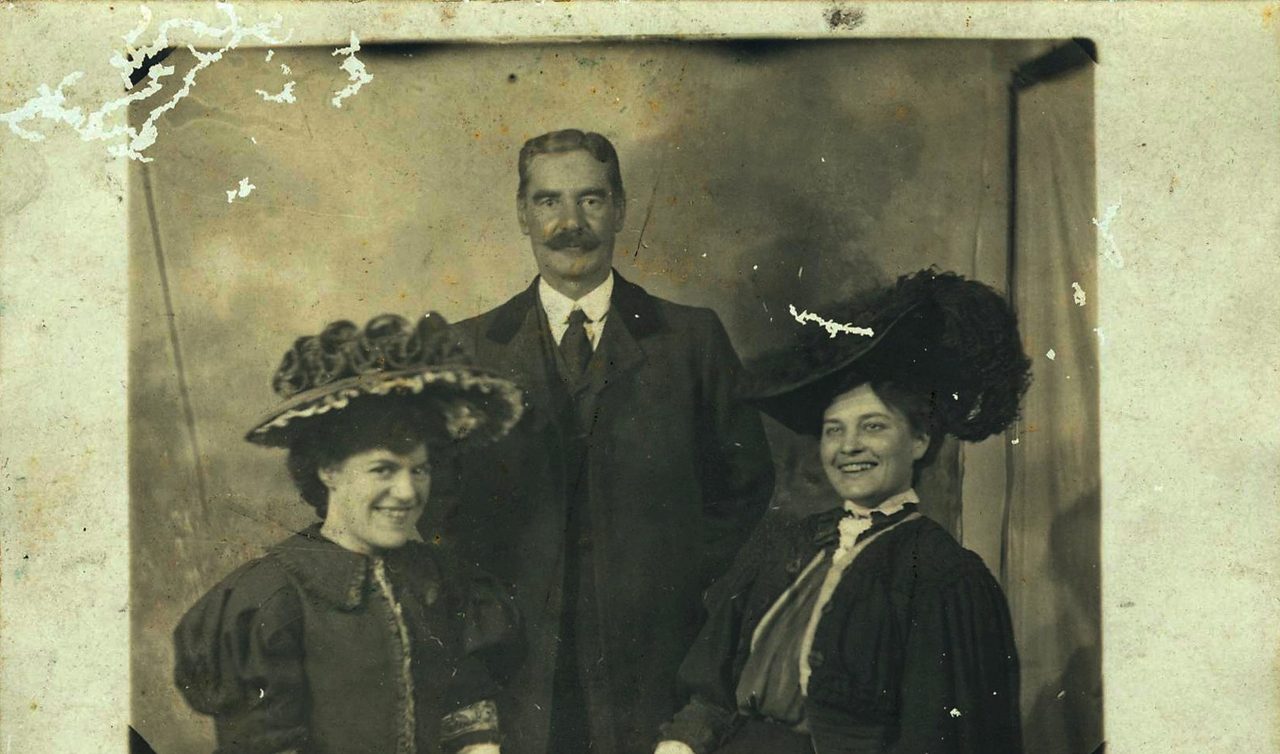
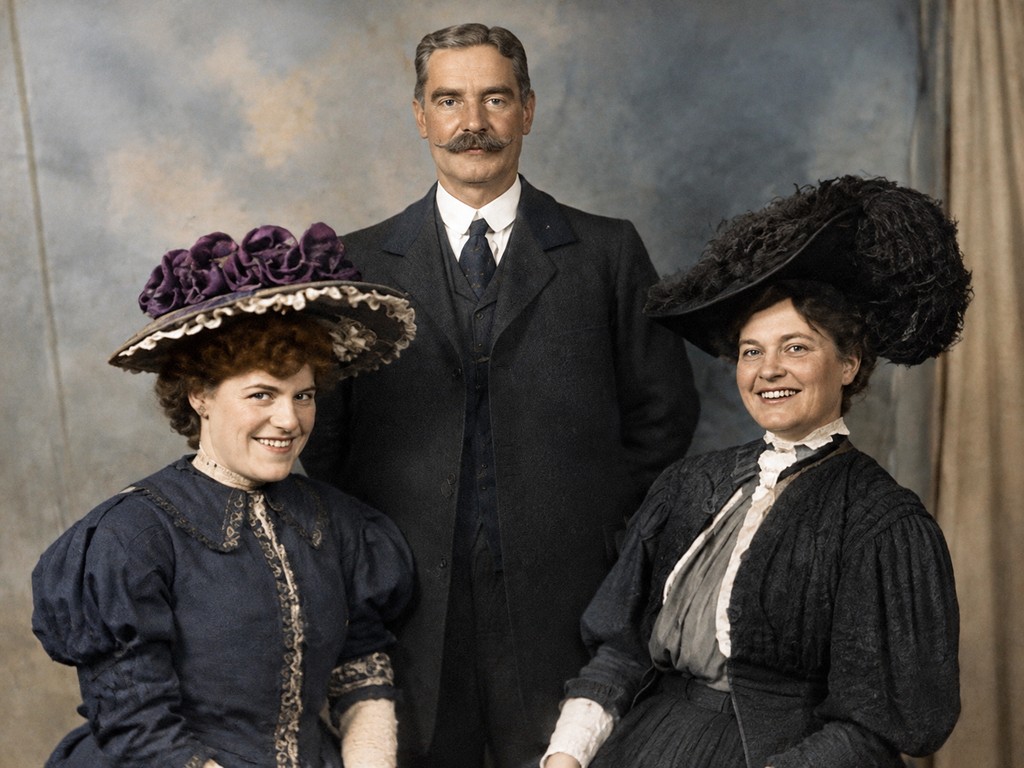
Photo restoration · scratches, creases and fading
Faces, clothing and composition stay exactly as they were
Upload a scanned or photographed print. The model repairs damage, clears noise and fading, and preserves the faces and composition you recognise.
Switch to another tool — the current picture comes along.
See what each tool does before you start.
Faces, clothing and composition stay exactly as they were
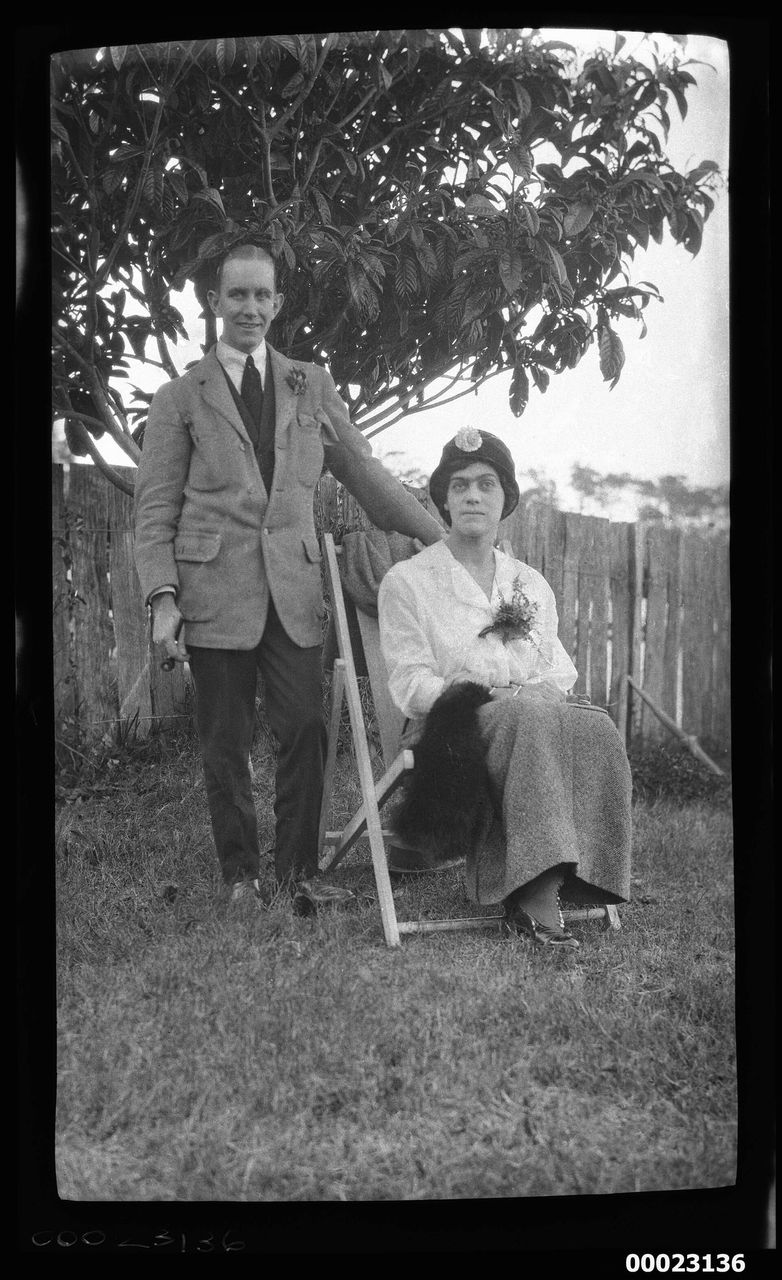
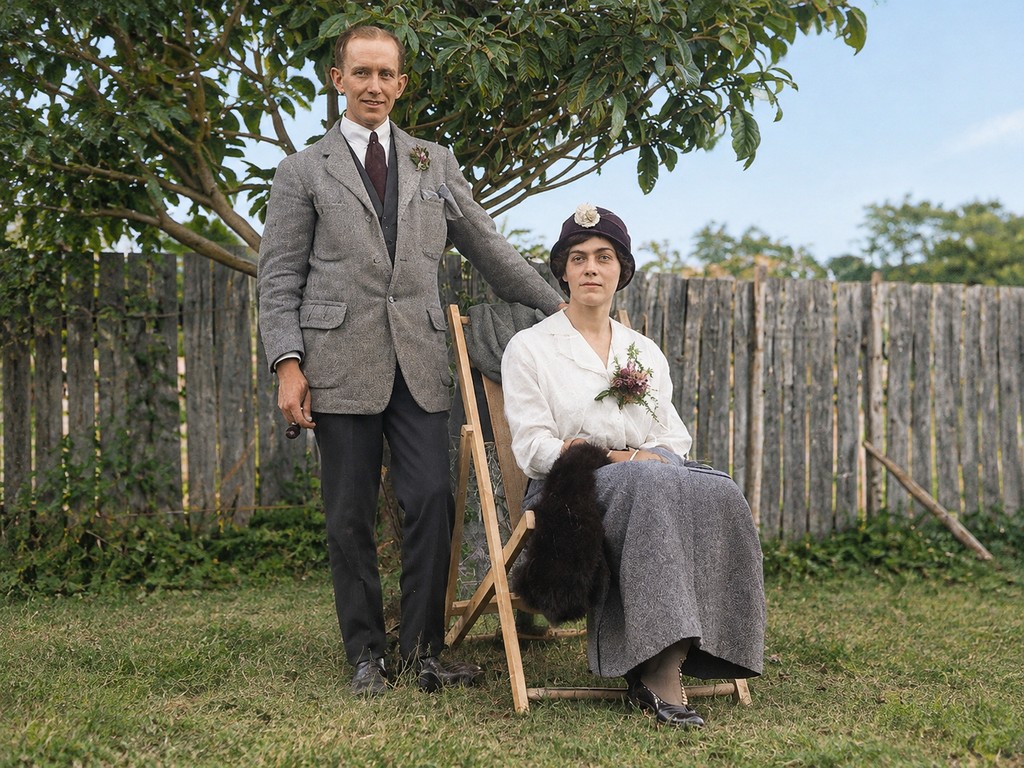
Noise cleanup brings back the depth and detail
Scratches, creases, torn corners and dust are reconstructed from the surrounding image.
Washed-out contrast and scanner noise are corrected without changing the original tone of the photograph.
The instruction explicitly protects identity and expression, so relatives still look like themselves.
Pick a photo, or start from one of the examples below.
Choose the options you need; the prompt can stay empty.
Check the result and download it when you are happy.
This focused page uses the same editing flow as the AI Image Editor.
Upload or import a relevant example
Upload a JPG, PNG, or WEBP file, or start with an example selected for this tool.
Choose Restore Old Photo and refine the request
Use a preset for the current tool and add a specific instruction when needed.
Generate, compare, and continue editing
The result joins the version timeline so you can restore the original, use another tool, or export the active version.
This page also covers these common tasks and search intents.
A straight, well-lit scan or phone photo of the print. Avoid shooting at an angle with reflections; the model restores the image it is given, including glare.
The prompt asks for gentle enhancement while preserving identity, features and expression. Always compare the result with the original, especially for historical family photos.
It can reconstruct missing areas when enough surrounding detail exists. For large missing pieces, try the result first and add a note in the optional instruction describing what should be there.
300 dpi or higher. Below that the model has too little detail to work with and the result comes back soft.
Standard and strong can alter facial detail. Compare the face first and drop to light if the likeness drifts; keep the original scan as a backup either way.
Upload an image, select the current tool, use a preset or add a specific instruction, and generate. The result joins the version timeline for continued editing or export.
Browse every image tool, or start from a blank prompt in the AI Image Generator.