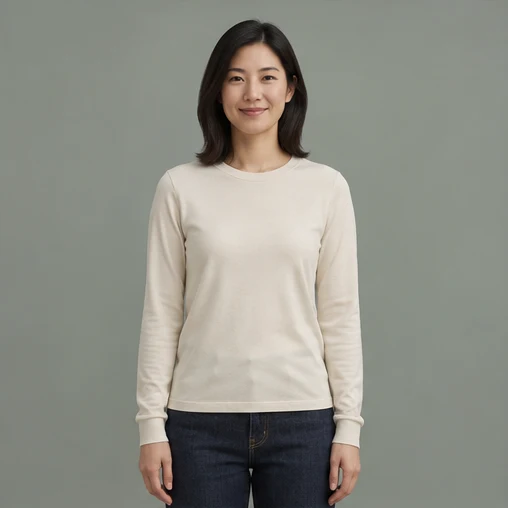
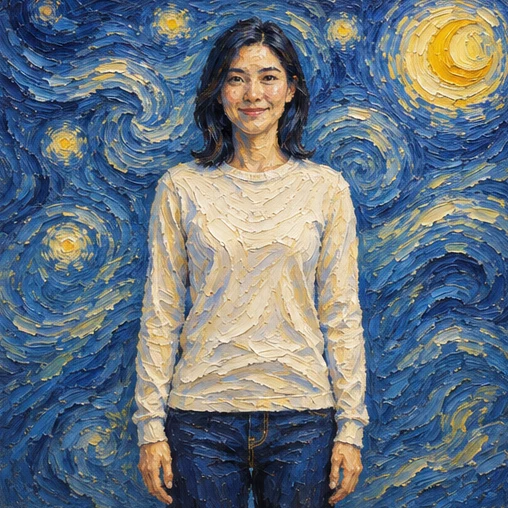
AI style transfer · Starry Night oil
The person and composition stay; the scene is repainted
Repaint a photo as an oil painting, anime frame, watercolour or illustration, while the composition and subject position stay where they are.
Switch to another tool — the current picture comes along.
See what each tool does before you start.
The person and composition stay; the scene is repainted
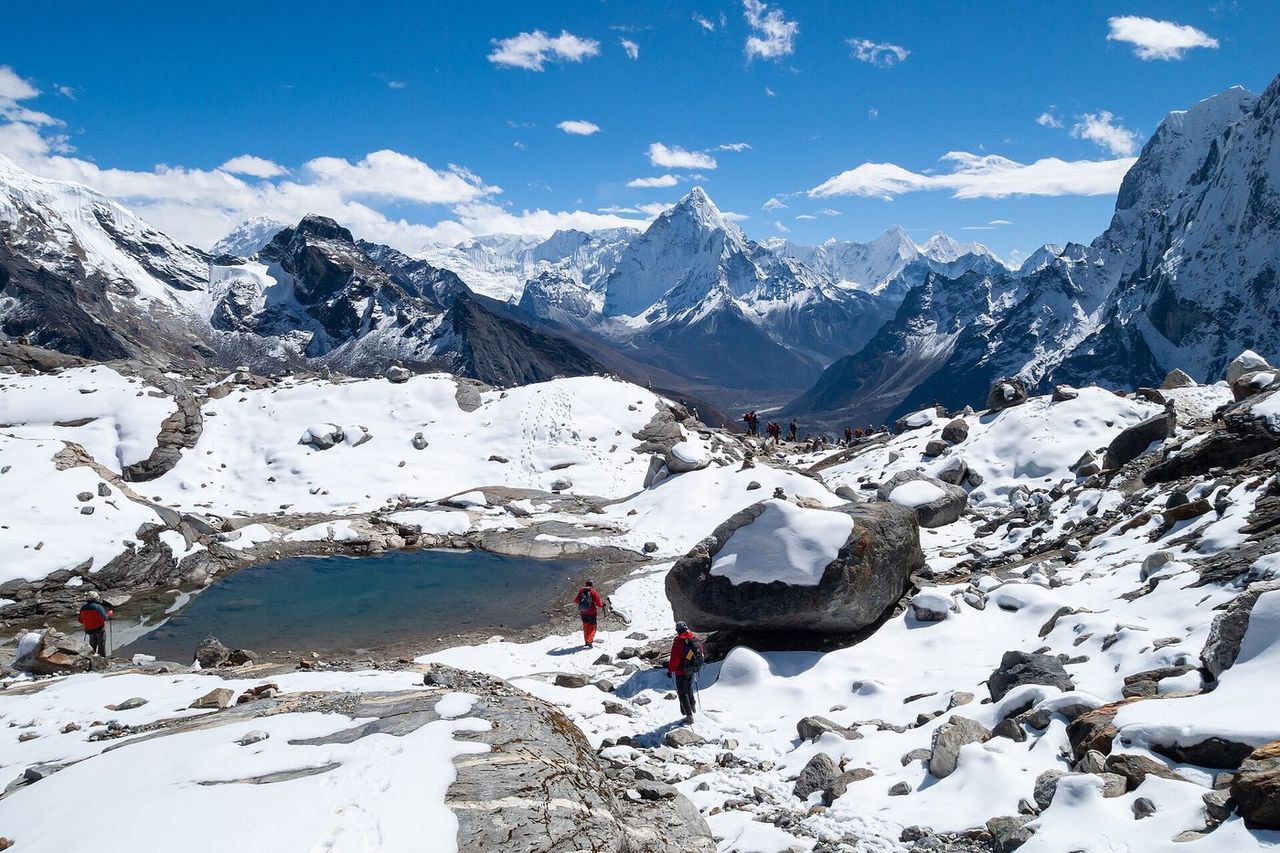
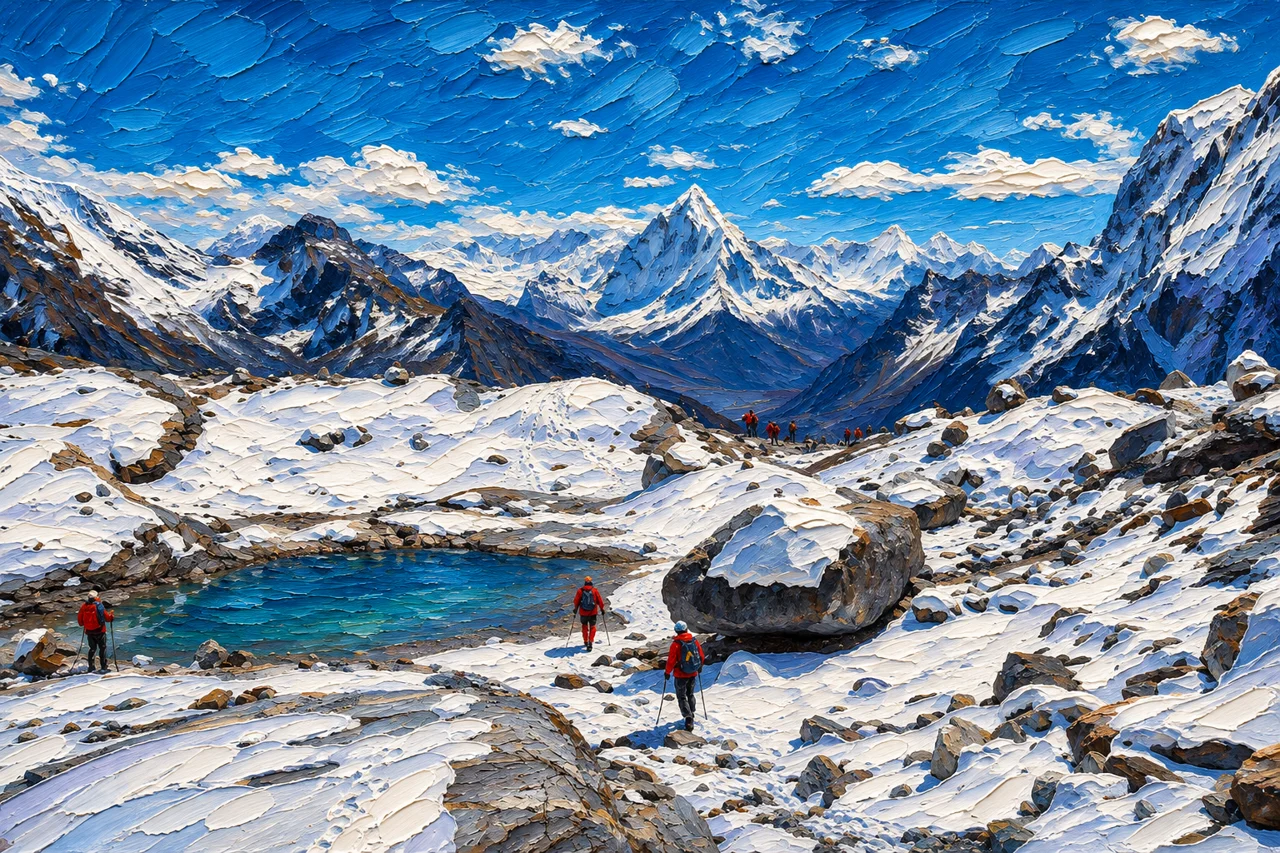
Mountain and lake keep their place with oil brushwork
Style transfer redraws the image in a new visual language instead of laying a colour filter over it. Strokes, light and texture are generated across the whole frame, so foliage, hair and fabric keep detail a filter would flatten — and the subject stays exactly where it was.
Filters map one colour to another and leave the structure untouched. This generates brushwork, colour and texture across the whole frame in the style you ask for, so detail survives at print size instead of flattening into a posterised layer that falls apart the moment you zoom in.
Yes. Subject placement, pose and framing stay where they were; only the visual language changes. If a face drifts into the style, add 'keep the face and expression unchanged' to the prompt and run the same photo again — a second run with one added sentence usually recovers it.
Yes — describe the blend in the notes, for example 'oil painting with anime lighting' or 'watercolour palette, printmaking texture'. Name the medium and the detail you want, since a concrete direction beats the word artistic on its own. One clear blend reads better than three.
Pick a photo, or start from one of the examples below.
Choose the options you need; the prompt can stay empty.
Check the result and download it when you are happy.
This focused page uses the same editing flow as the AI Image Editor.
Upload or import a relevant example
Upload a JPG, PNG, or WEBP file, or start with an example selected for this tool.
Choose Style Transfer and refine the request
Use a preset for the current tool and add a specific instruction when needed.
Generate, compare, and continue editing
The result joins the version timeline so you can restore the original, use another tool, or export the active version.
This page also covers these common tasks and search intents.
Oil painting, watercolour, anime, comic, printmaking, pencil sketch and illustration are the presets, and the notes box accepts any style you can describe — "Ghibli-style sky", "thick impasto with a night-blue palette", "risograph print". Concrete wording beats a style name on its own, because it tells the model what the strokes should look like.
Stylisation always changes fine detail, but the built-in instruction keeps composition, pose and subject placement, so the person stays in the same spot and shape. Portraits hold up best when the face fills a good part of the frame: test one small render first, then rerun with 'keep the face and expression unchanged'.
A filter applies colour and texture on top of the pixels you already have, so edges stay photographic and detail flattens. Style transfer redraws the strokes and structure in the new style, which is why leaves, hair and fabric keep their depth — and why text turns into unreadable lettering.
Rarely well. Lettering becomes strokes that look like writing without being readable, so a sign, label or logo inside the frame will lose its message. If the text has to stay legible, keep it out of the shot or add it back after the repaint with the text replace tool.
The style itself is not protected — no one owns oil painting — but the source photo is, so confirm you have the right to use the picture you uploaded. Images generated on paid plans and credit packs carry a commercial-use license; check that before you publish or sell the repaint.
Upload an image, select the current tool, use a preset or add a specific instruction, and generate. The result joins the version timeline for continued editing or export.
Browse every image tool, or start from a blank prompt in the AI Image Generator.