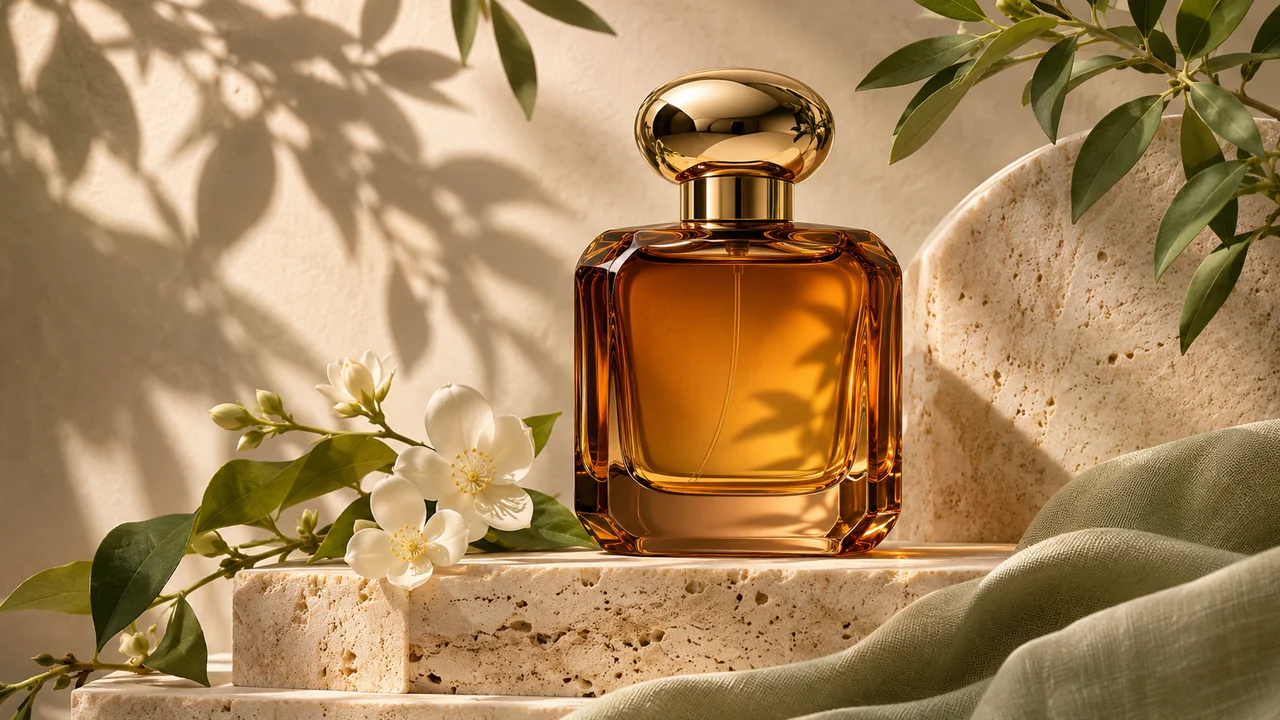
AI product photography is useful when you need several visual directions before booking a studio shoot or when a small catalog needs consistent campaign images. The best workflow starts with a real product reference and treats the AI as a set designer, lighting assistant and art director. It should not invent the product’s shape, label or claims.
You can try the workflow in Imagine AI’s Product Photography tool, or start from the AI image generator when you need a more open-ended composition.
What to include in a product photography prompt
A useful product prompt answers six questions:
- What is the product and what material is it made from?
- What angle and crop should the camera use?
- What surface or environment should it sit in?
- Where does the light come from?
- What should remain exactly unchanged?
- Where will the image be used?
For example:
Use the uploaded ceramic mug as the exact product reference. Create a clean 4:5 editorial product photograph on a pale limestone table. Show a three-quarter front angle, soft morning window light from the left, a gentle contact shadow and a warm neutral background. Preserve the mug’s shape, handle, glaze color and printed label. No hands, extra mugs, invented logos or text.
This prompt gives the model enough creative direction while protecting the product identity.
Start with the right reference photo
A phone photo is fine if the product is visible and not heavily blurred. Before uploading, check:
- the complete product is inside the frame;
- the main label is readable;
- the camera is not using an extreme wide-angle distortion;
- the product is separated from a very busy background;
- the color is close to the real product;
- important reflective surfaces are not completely blown out.
If the product is transparent, metallic or glossy, include a reference where the edges are visible. The model can create a new setting, but it still needs to understand where the object begins and ends.
Choose a scene that matches the product
Do not choose a dramatic environment just because it looks impressive. Match the visual language to the buying decision:
- skincare works with clean surfaces, soft daylight and close-up material detail;
- coffee and food work with tactile tables, natural shadows and a clear serving context;
- software or electronics work with controlled desk scenes and readable screens;
- fashion products need enough negative space for the silhouette and fabric texture;
- home goods benefit from a room context that shows scale without hiding the product.
The product should remain the visual anchor. Ask for one main product unless the image specifically needs a set or comparison.
Lighting prompts that produce useful variations
Instead of writing only “professional lighting,” name the source and its effect:
- Soft window light: “large diffused window light from camera left, soft shadow falling to the right.”
- Studio gradient: “large softbox above and slightly left, clean gradient background, controlled edge highlights.”
- Outdoor morning: “low warm sunlight, long soft shadows, natural reflected fill.”
- Premium dark scene: “single narrow key light, restrained rim light, deep charcoal background, preserve label legibility.”
Create several versions by changing one variable at a time. For example, keep the product and composition fixed while testing a light studio background, a warm kitchen scene and a dark editorial setup.
Keep the product unchanged
The most important sentence in a product prompt is often the constraint:
Keep the product exactly the same. Do not change its dimensions, logo, label, cap, closure, materials or color. Do not add claims or decorative text.
If you want the model to create packaging variations, say so explicitly and treat the result as a concept rather than a final approved package. Never rely on generated copy for ingredients, prices, safety instructions or legal claims without a human check.
For a background-only edit, write:
Change only the environment around the product. Keep the product, label, camera angle, scale and lighting direction unchanged.
The is designed for this kind of reference-first workflow.
Three ready-to-use prompts
Clean ecommerce image
Use the uploaded product as the exact reference. Create a square ecommerce product photo on a pure warm-white background with even soft lighting and a subtle contact shadow. Center the product, show the complete silhouette and preserve every label, logo, material and color. No extra objects, reflections that hide the label or text.
Lifestyle campaign image
Use the uploaded reusable bottle as the exact subject. Place it on a light stone bench beside a hiking trail at golden hour. Keep the bottle’s shape, cap, label and colors unchanged. Use a shallow depth of field, warm backlight and enough empty space on the left for campaign copy. No people, invented logos or extra bottles.
Luxury editorial image
Use the uploaded perfume bottle without changing its silhouette or label. Place it on dark green marble with a controlled spotlight from the upper left, subtle glass reflections and a deep forest background. Keep the label readable and leave negative space above the bottle. No additional words or products.
Creating a consistent catalog
A catalog looks professional when its images share a system. Keep these variables fixed across a batch:
- aspect ratio and product scale;
- camera height and lens feeling;
- background family;
- shadow direction;
- color temperature;
- amount of empty space;
- position of the product relative to the frame.
Use one approved image as a visual reference for the next prompt, but state which parts should transfer. “Use the same style” is less precise than “match the pale stone surface, soft left-side window light and warm neutral color palette.”
What to check before publishing
AI product images are concept and marketing assets, not proof that a product physically exists in a scene. Check:
- label spelling and logo shape;
- color against the real item;
- dimensions and proportions;
- number of products in the frame;
- reflections and shadows;
- hands or people that were not requested;
- any generated claims, measurements or text.
For regulated products or important packaging, use AI for art direction and compositing, then replace the product area with an approved photograph before publishing.
Create your next product image
Upload one clear product photo to , describe the scene and lighting, and keep the product constraints short and explicit. For a broader visual concept, use the with the same reference-first method.
OpenAI’s gives useful guidance on preserving reference subjects, specifying composition and controlling text. The Google is another useful reference for iterative image editing.
