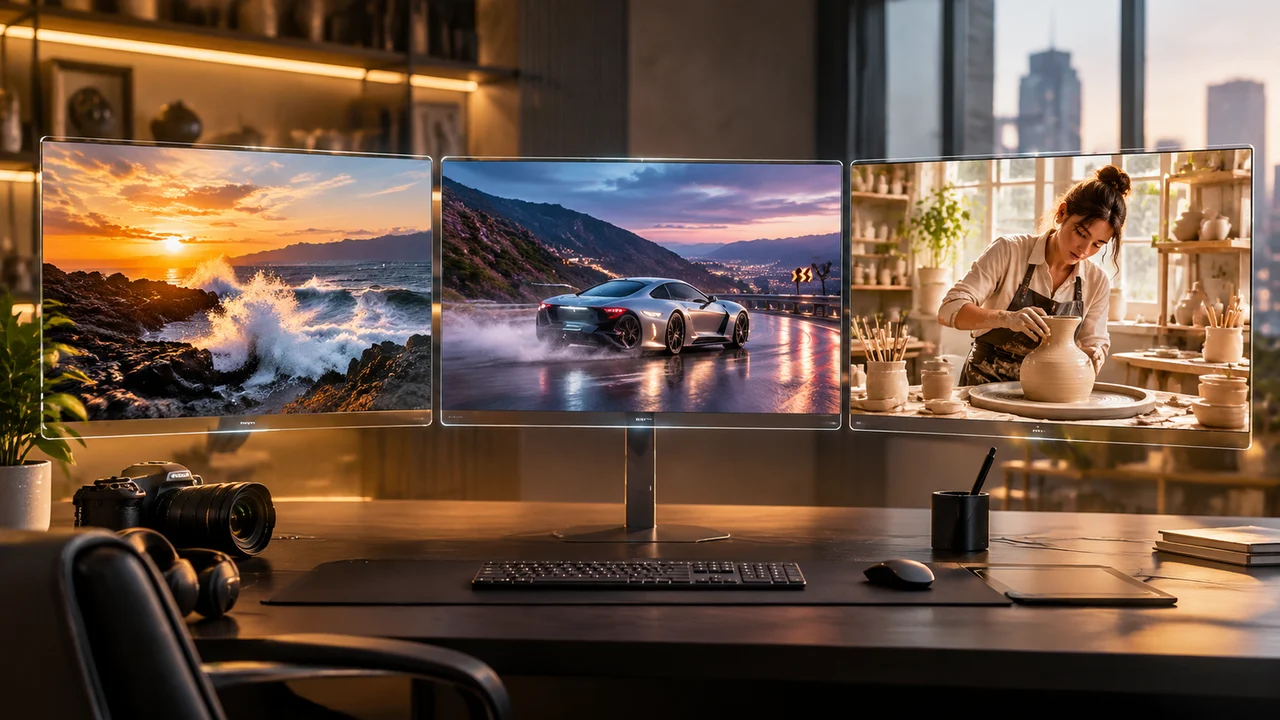
Choosing an AI video model is no longer just about which clip looks sharpest in a demo reel. When you are producing real campaigns, social hooks or storyboards, the right model depends on five practical questions: Do you need 4K resolution? Does the scene need synchronized native audio? Are you locking character identity with reference images? How long does the shot need to run? And how many credits will each draft cost?
Inside Imagine AI’s AI video generator and video models catalog, you can switch between Google Veo 3.1, Seedance 2.5, Wan 3.0, Kling 4.0 and Gemini Omni Flash 1.1 without changing your workflow. Here is how the three flagship audio-capable video models compare in day-to-day production.
Quick Comparison: Veo 3.1 vs Seedance 2.5 vs Wan 3.0
| Feature / Spec | Google Veo 3.1 | ByteDance Seedance 2.5 | Alibaba Wan 3.0 |
|---|---|---|---|
| Dedicated Workspace | Veo 3.1 | Seedance 2.5 | Wan 3.0 |
| Supported Scenes | Text-to-Video, Image-to-Video | Text-to-Video, Image-to-Video, Reference-to-Video | Text-to-Video, Image-to-Video, Reference-to-Video |
| Max Resolution | Up to 4K (720p, 1080p, 4k) | Up to 1080p (480p, 720p, 1080p) | Up to 1080p (480p, 720p, 1080p) |
| Clip Duration | 4s, 6s, 8s | 4s to 30s (plus smart auto duration) | 2s to 30s (plus smart auto duration) |
| Native Audio | Yes (toggleable synchronized audio) | Yes (native audio enabled by default) | Yes (native audio enabled by default) |
| End-Frame Control | No | Yes (supports start + end frame) | Yes (supports start + end frame) |
| Max Reference Images | 1 start image (Image-to-Video) | Up to 4 reference images | Up to 3 reference images |
| Best For | 4K hero commercials & realism | Complex motion, 4-image character lock & long takes | Fast iteration, budget-friendly drafts & long clips |
(Note: Model capabilities and credit rates reflect the default Imagine AI catalog and can be adjusted by workspace settings—always check the live composer before generating.)
When to Choose Google Veo 3.1: 4K Fidelity and Synchronized Audio
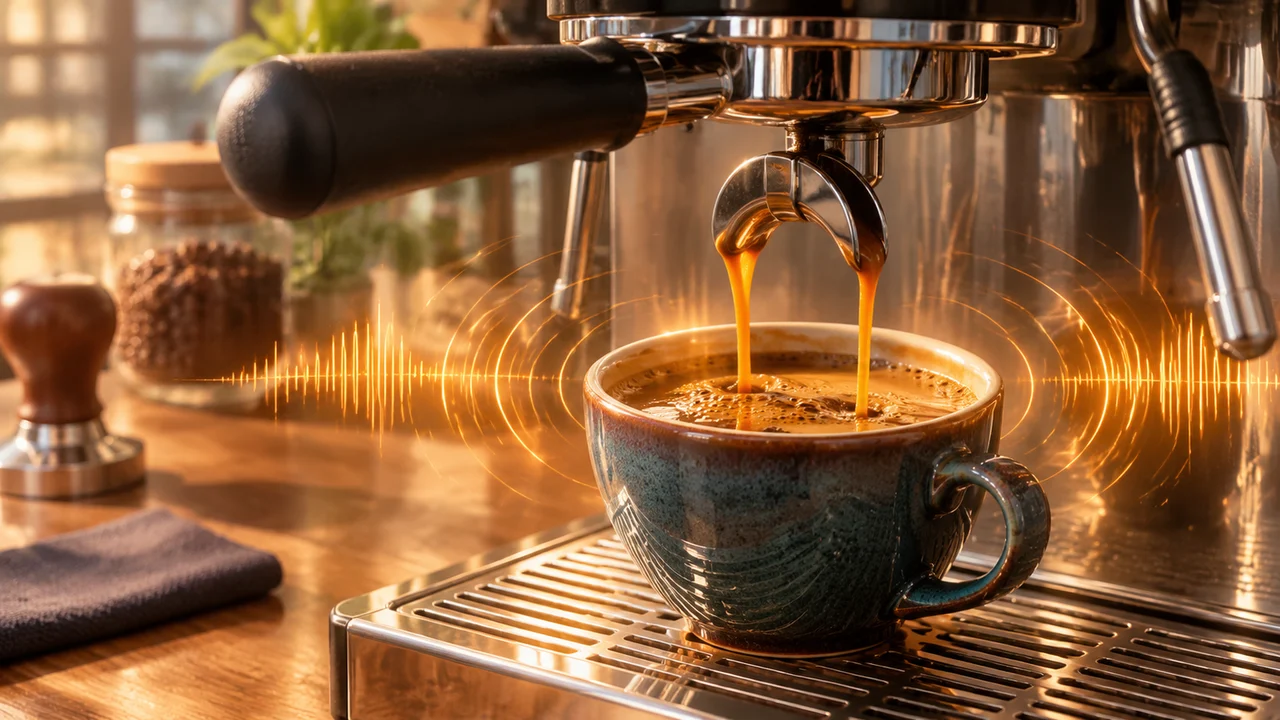
is the specialist for short, high-impact hero shots where optical realism and ultra-high resolution matter more than 20-second clip length. It is one of the few models in the catalog that outputs true 4k alongside 720p and 1080p, and it lets you toggle audio on or off so you only pay the audio credit rate when your shot actually needs sound.
Choose Veo 3.1 when:
- You need 4K delivery for desktop hero backgrounds, paid ad hooks or large-screen product reveals;
- Physics and material detail are front and center—pouring espresso, ocean spray, glass reflections, culinary steam or macro skin textures;
- A 4, 6 or 8 second clip is enough to establish the visual hook in
16:9widescreen or9:16vertical format; - You want clean audio-visual sync where ambient room tone, footsteps or water splashes land on the exact visual beat.
Veo 3.1 Prompt Example (4K + Synchronized Audio)
Close-up 4K commercial shot of an artisan espresso machine extracting dark golden crema into a stoneware cup on a sunlit walnut counter. Gentle morning café ambience, realistic sound of pressurized espresso pouring and subtle ceramic clink, warm side window light, shallow depth of field, 6 seconds.
When to Choose Seedance 2.5: Multi-Reference Continuity and Expressive Motion
When your video depends on keeping a specific character, outfit and environment consistent across multiple shots—or when you need a continuous 12 to 30 second take with both start and end keyframes— is the strongest all-rounder.
Choose Seedance 2.5 when:
- You are using with up to 4 reference images (for example, character face + outfit + prop + room setting);
- You need first and last frame control inside together with native audio;
- Your aspect ratio is unconventional, such as
21:9cinema,4:3,3:4oradaptiveframing that matches your uploaded image automatically; - You want expressive human movement, dance or multi-beat storytelling up to 30 seconds.
For a deep dive into reference roles and multi-beat prompting, read our dedicated .
When to Choose Wan 3.0: Best Credit Value for Prototyping and Long Clips
One of the biggest mistakes in AI video production is spending flagship 1080p or 4K credits while you are still testing whether a prompt works. is designed as the high-efficiency workhorse of the Imagine AI video lineup: it supports native audio, 480p to 1080p resolution, up to 3 reference images, end-frame locking and durations up to 30 seconds at a fraction of the per-second credit cost.
Choose Wan 3.0 when:
- You are prototyping prompts and camera blocking at
480por720pbefore rendering a final master; - You need high-volume social video output where a single credit plan needs to stretch across dozens of 5 to 15 second clips;
- You still want full scene flexibility—Wan 3.0 supports , and with native audio turned on by default.
What About Kling 4.0 and Gemini Omni Flash 1.1?
Two other models in the fill specialized gaps:
- : Best when you want structured multi-shot camera choreography,
21:9widescreen framing and keyframe control without paying for generated audio. See our for multi-shot templates. - : Ideal for fast, low-cost 4 to 10 second clips that combine up to 3 reference images with resolution options up to
4k(no native audio).
A Cost-Smart 3-Step Production Workflow in Imagine AI
Instead of running every idea on a single model, combine them in a staged pipeline:
- Create and clean your hero still first: Generate your starting frame in the or refine an existing product photo with the (see our ).
- Test motion and timing on Wan 3.0: Open at
480por720pfor 5 seconds to verify that your motion prompt and camera direction read clearly. - Render the master clip on Veo 3.1 or Seedance 2.5: Once the prompt is locked, switch to for a 4K audio-synced hero shot, or for a longer multi-reference sequence.
Compare live credit rates anytime on the or test all five models side by side in the .
