AI Image and Video Tutorials
Step-by-step tutorials for Imagine AI tools and video models — first frame, motion prompt, camera move and export, with the settings each step needs.
Latest guides in this collection
Nov 12, 2026
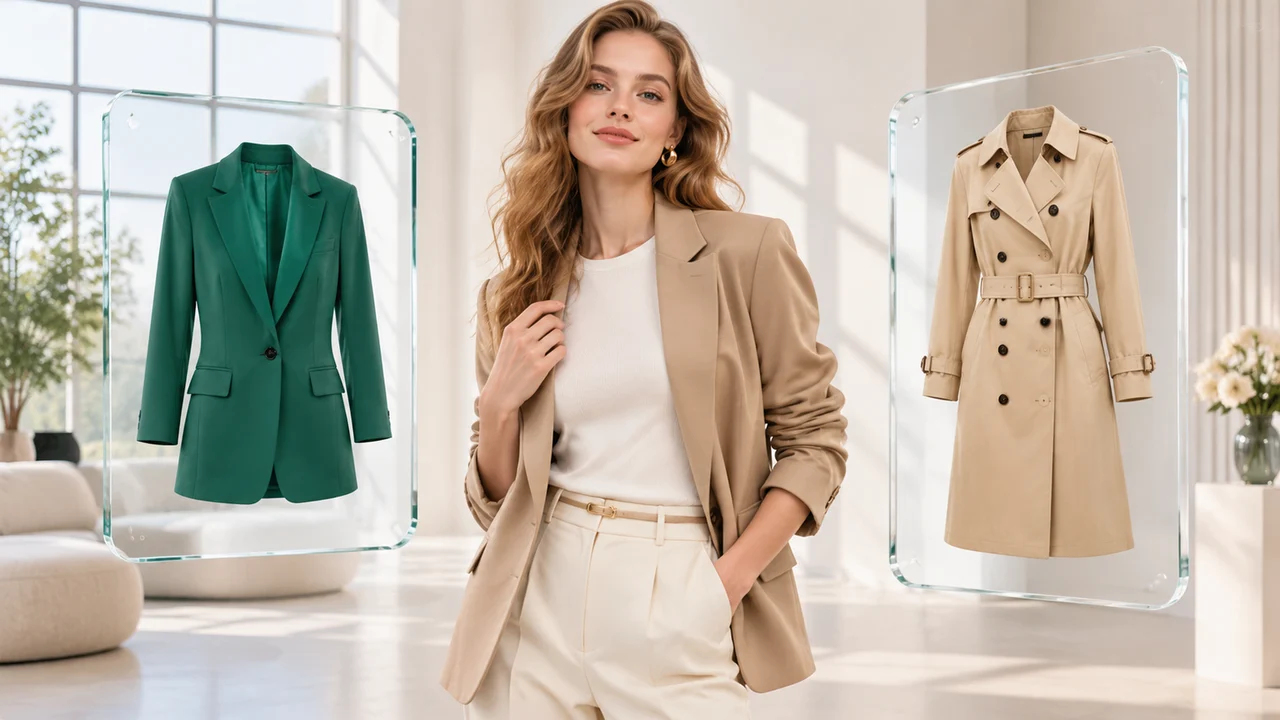
AI Clothes Changer & Virtual Try-On Guide: Swap Outfits with Two Reference Images
Use Imagine AI’s Clothes Changer to swap outfits between a person photo and a garment image while preserving face, pose, fabric texture and studio lighting.
Nov 11, 2026
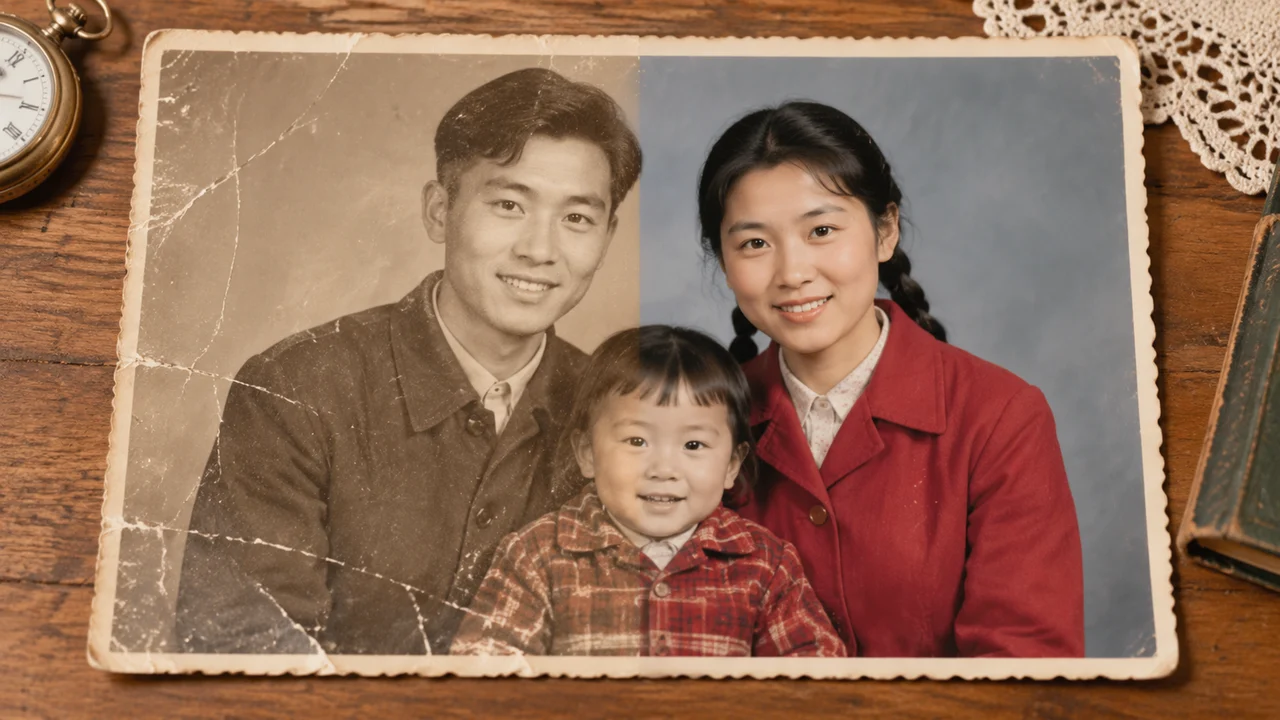
AI Old Photo Restoration Guide: Fix Scratches, Fading and Colorize Naturally
Restore damaged vintage photos with AI while keeping facial identity intact. Learn how to remove scratches, fix fading, and colorize black-and-white portraits.
Nov 8, 2026
Veo 3.1 vs Seedance 2.5 vs Wan 3.0: Which AI Video Model Should You Choose?
Compare Google Veo 3.1, ByteDance Seedance 2.5 and Alibaba Wan 3.0 across 4K resolution, native audio, reference images, clip duration and credit cost.
Nov 5, 2026
Kling 4.0 AI Video Guide: Multi-Shot Prompts, Keyframes and Reference Clips
Master Kling 4.0 AI video generation with multi-shot prompts, first and last frame control, reference images, and 720p to 1080p camera movement in Imagine AI.
Oct 30, 2026
Seedance 2.5 Tutorial: Create AI Videos with Motion, Audio and Reference Images
Learn a practical Seedance 2.5 workflow for text-to-video, image-to-video, reference images, connected shots, camera movement and audio.
Oct 26, 2026
How to Turn an Image into a Video with AI: A Practical Guide
Learn how to animate a photo or illustration with AI using a strong first frame, motion prompts, camera directions, duration and end-frame control.